THE TEAM
Your agents.Working as one.
Software for the way your business works.
Start with Workser AI or bring the coding agents you already use. Your team plans, builds, launches and runs the software in one place.
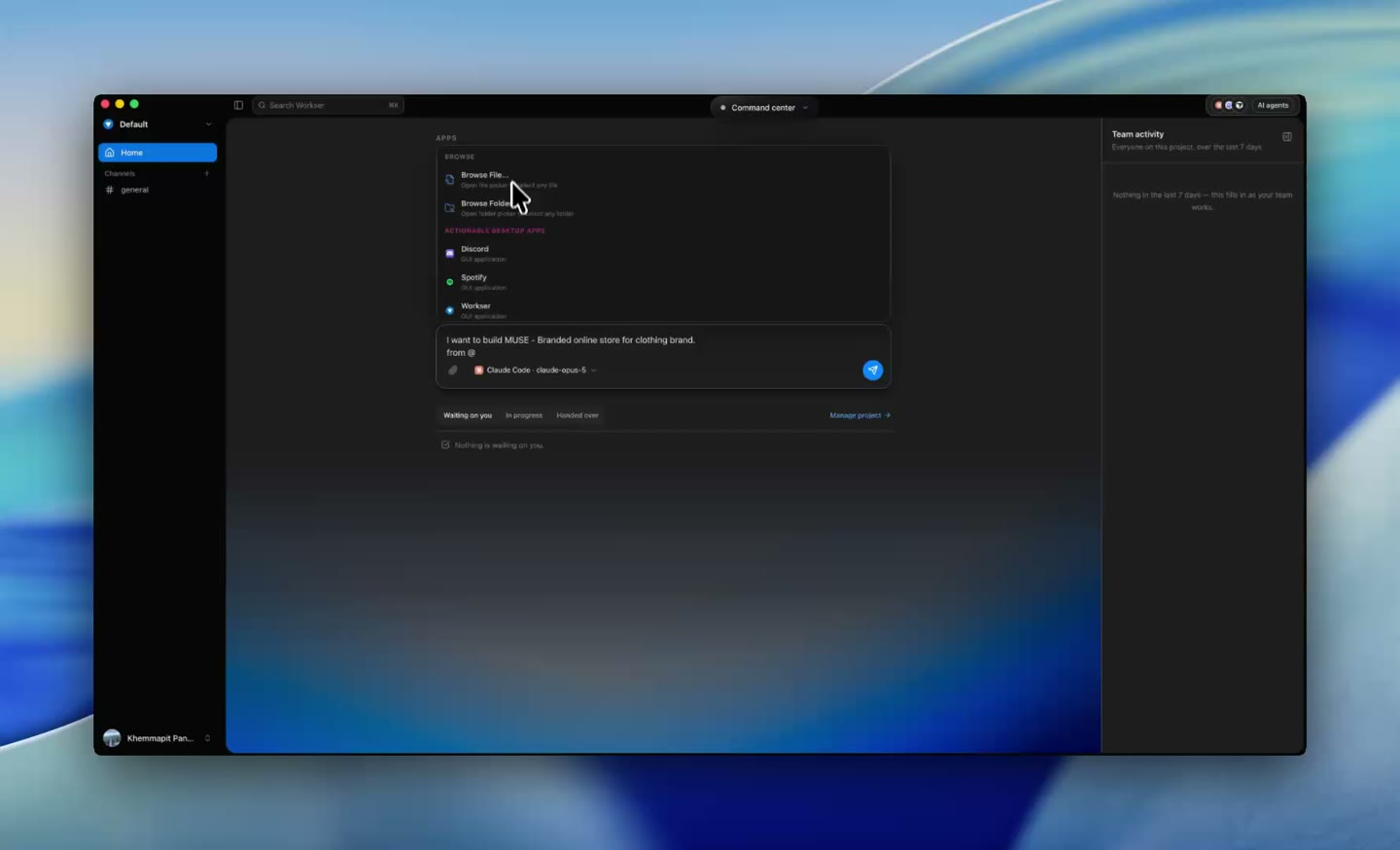
Describe what the software should do.
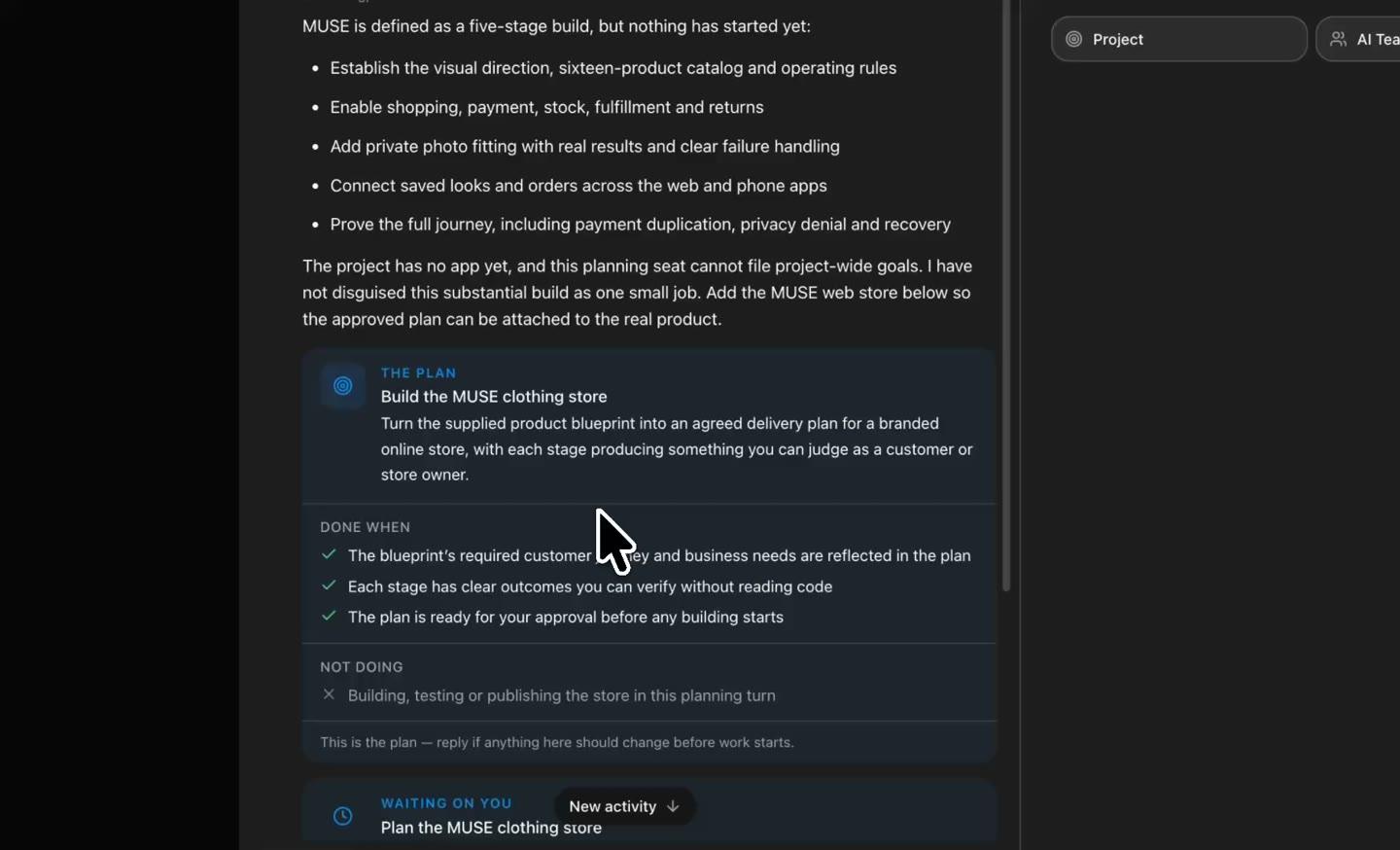
Agents plan, design, build and test together.
Follow every step in one workspace.
A new way to build.
THE TEAM
THE WORKSPACE
AGENTS MAKE IT SIMPLE
THE DESIGN
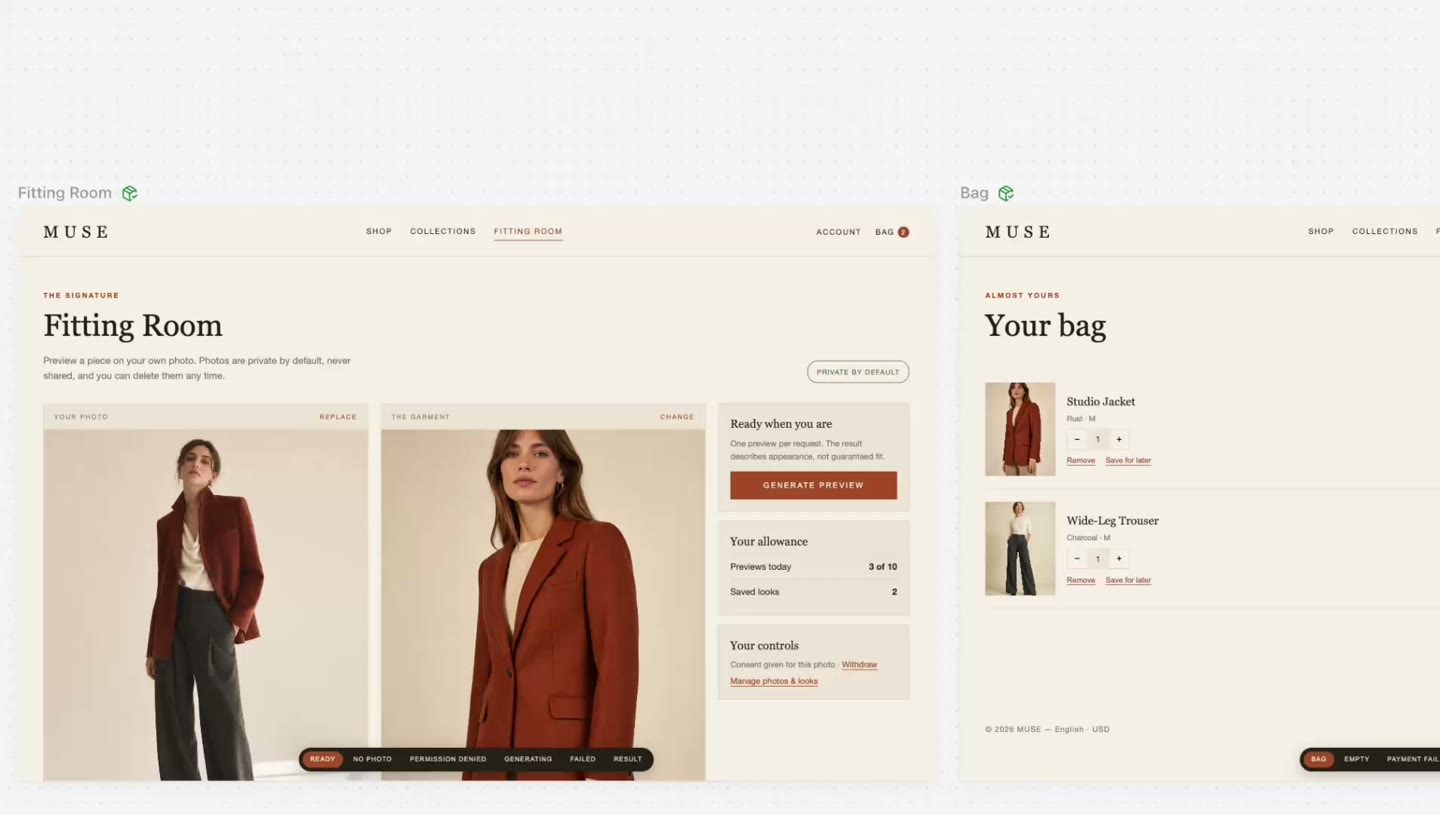
BROWSER TESTING
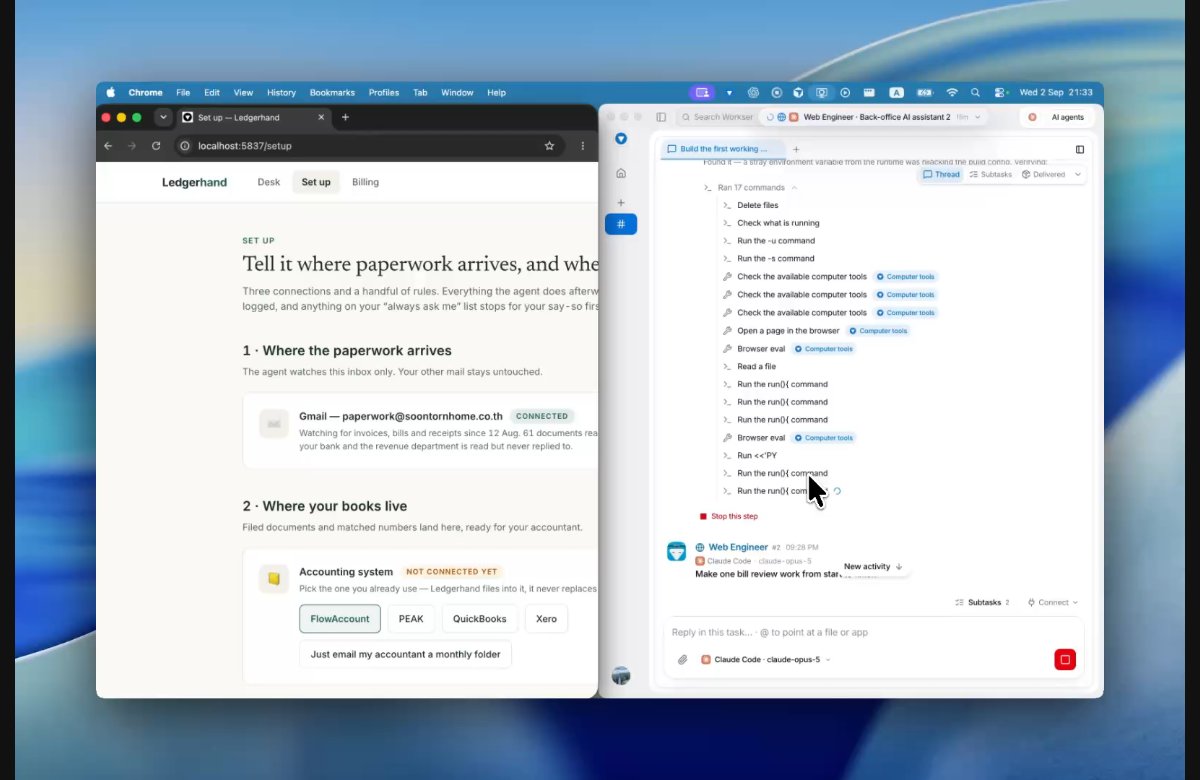
WEB APPS
MOBILE APPS

YOUR APPS
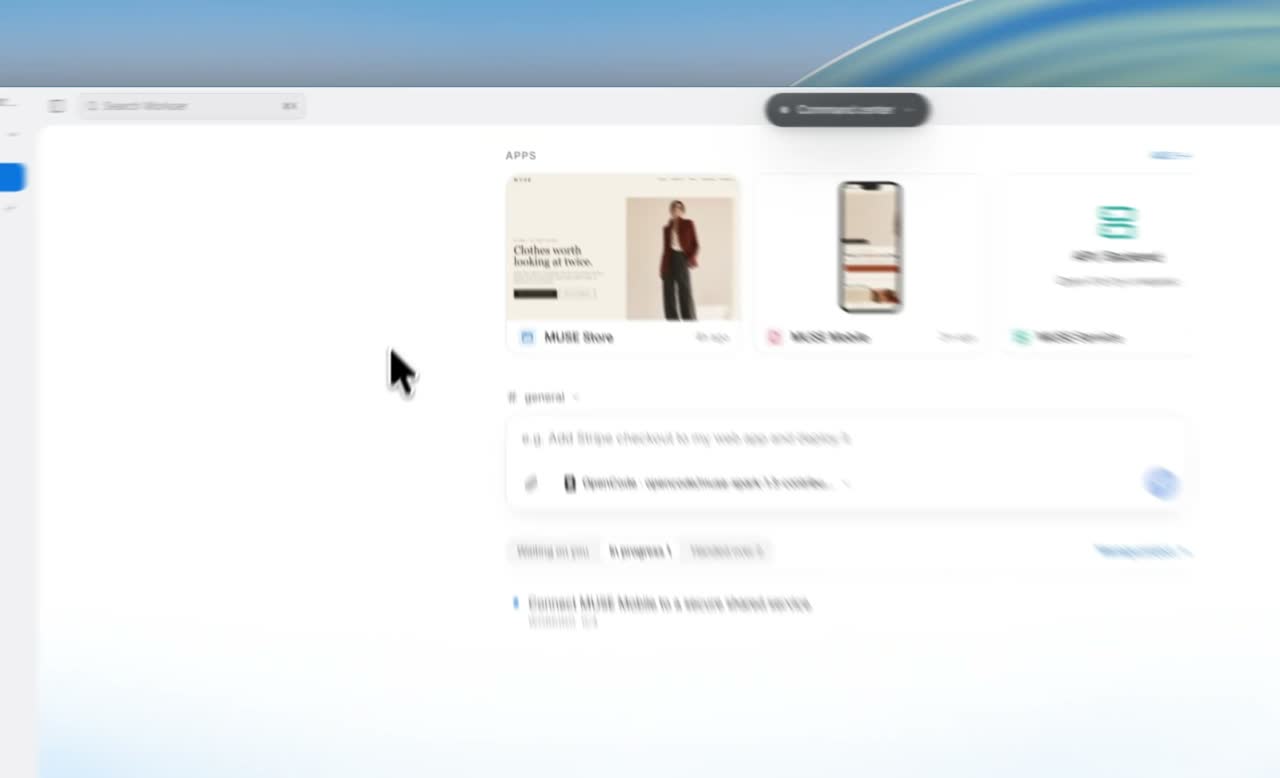
YOUR AGENTS
From the idea to the live app.
Follow the design work from your first request to screens you can review and refine.
A clear job for every agent.
The agents you choose. The team your project needs.
Connected by shared plans, documents and decisions.
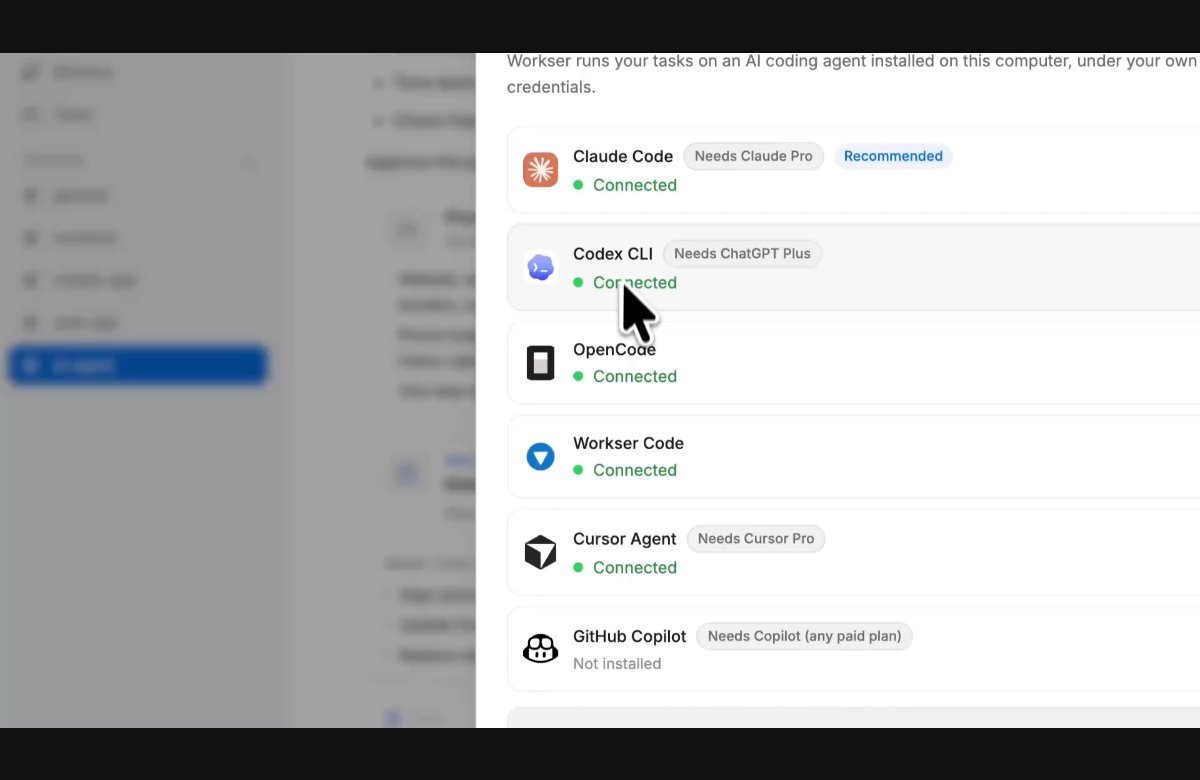
 Claude Code
 Codex
Codex Cursor Agent
 OpenCode
 The built-in Workser agent
 GitHub Copilot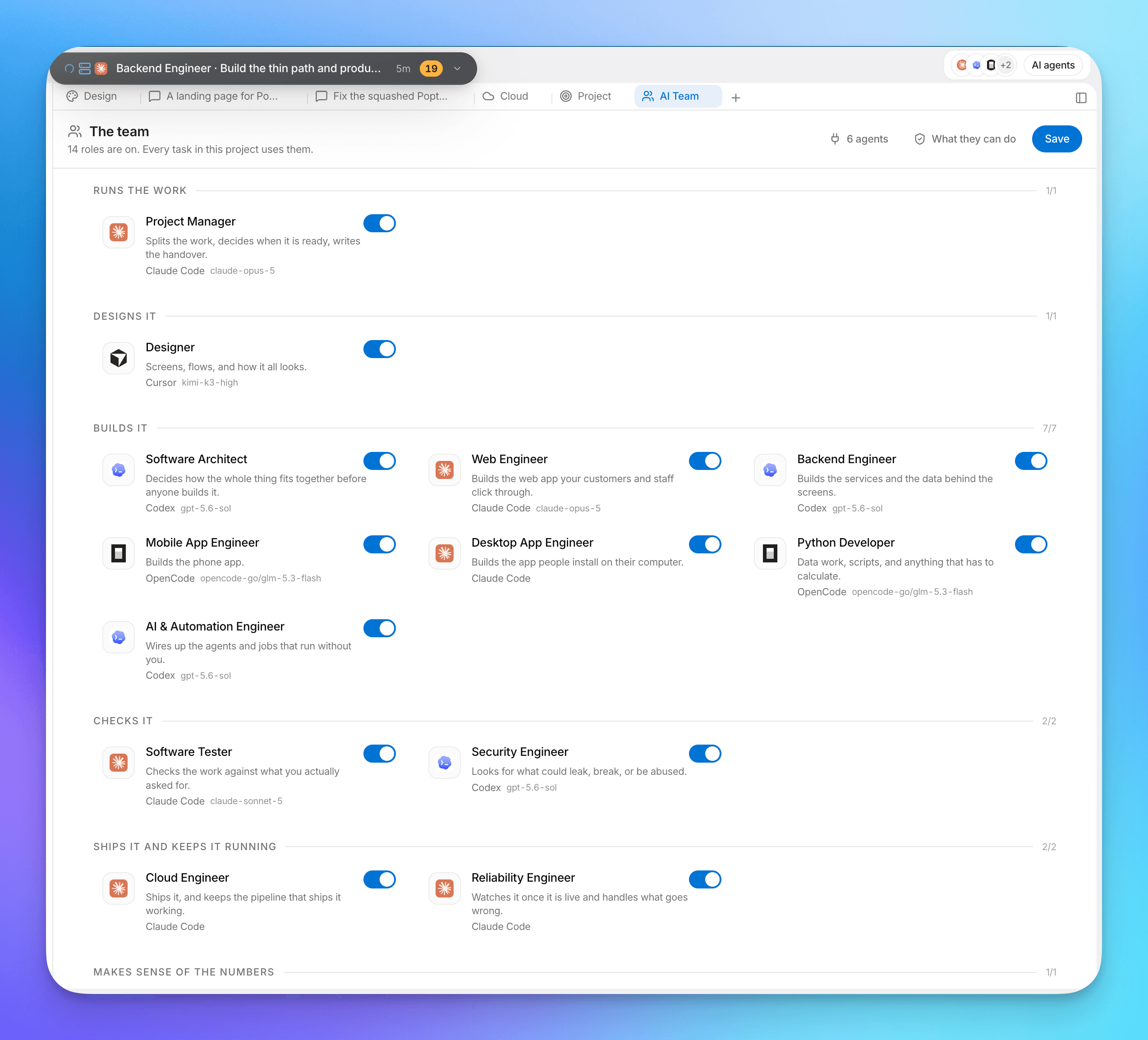
Turn specialist roles on, assign the coding agent and model for each job, and keep every agent working from the same plans, tasks and decisions.
You stay in control of the team and review the important decisions.The foundation for your next big thing.
Everything your software and agents need, connected in one project.
A dedicated Postgres database per project, not a shared table alongside other customers.
Your app's own users can sign in from day one, with no cap on how many of them there are.
A storage bucket per project for uploads, exports and generated assets.
Publish your app to a stable *.workser.app address or your own custom domain. Workser handles the hosting.
Gmail, Slack, Google Sheets, Stripe and more. Connected once for the project, then usable by every app in it.
Run product and employee agents with files, terminal tools, model choice, app connections and long-running cloud work.
Keep app credentials in managed project settings, with secret values separate from your source code.
The Workser platform
Software, agents and the AI work behind them.
One foundation brought into Workser Code.
Recorded activity across Workser’s existing platform.
These platform totals count organizations and completed AI work. The expanded inventory of software apps and Agent Cloud agents is temporarily unavailable. These numbers do not measure paying customers or currently deployed apps.
Totals refresh every minute while this page is open. The timestamp shows when Workser calculated the snapshot.
A little infrastructure. A lot of possibility.
Workser Code is free to download. Your plan covers the shared workspace and managed infrastructure your software runs on.
Choose the workspace and infrastructure your project needs.
Start with 7 days of Spark free. Add a card to begin your trial.
$10/month
For turning your first ideas into working software
Explore Spark$25/month
For people and small teams building several projects
Explore Starter$100/month
For growing teams running many apps and projects
Explore ScaleIncluded with every plan
Enterprise
Custom pricing
Your connected AI provider’s subscription and limits apply separately. Spark includes 700 monthly Workser AI credits, Starter includes 1,500, and Scale includes 6,500; AI usage is metered. Storage and transfer beyond the included amounts are charged at the rates shown above.
New to coding agents, or already building with them? Choose the answers that fit you.
A desktop workspace where AI agents work together to build and maintain software. You describe what you want, review the plan, follow tasks and try the result. Workser also brings together the services your app needs to run, such as hosting, data and sign-in.
A coding agent can work with a software project’s files, run commands and make changes directly. Codex and Claude Code are examples. Workser gives these agents roles, a shared project and a workflow you can manage.
If your plan includes access to Codex or Claude Code, you can connect the supported coding agent to Workser. You still use that provider’s account and limits. Paying for an AI chat plan does not automatically mean every agent or model is included; check the access available in your account.
You can start with a request in plain language and review the app through a preview. You still need to explain your business rules, try important flows and decide what is ready. Complex or sensitive software may also need a developer’s review.
Workser organizes the work around the AI: specialist roles, a shared plan, tasks, documents, decisions, testing and deployment. It is useful when your project needs more than one conversation, and when you want to keep improving it after the first version.
Customer portals, booking tools, internal dashboards, web and mobile apps, APIs and automations are examples. You can also use Agent Cloud to give your app a domain-specific assistant. The work and review needed depend on the project.
The Mac app is free to download. Workser Cloud plans start at $10/month for the workspace and managed infrastructure. Your connected AI subscription is separate. Workser-hosted AI, Agent Cloud and usage beyond plan allowances can add charges; the pricing page lists the details.
Published software runs on its hosting, and Agent Cloud runs your app’s hosted agents. Your local coding agents still need your Mac and the required tools running to continue local development work.
Yes. Workser Code is available for Macs with Apple silicon and Windows PCs. Download the desktop app, sign in and connect a supported coding agent, or use the built-in Workser agent with its applicable usage allowance.