
Workser Computer
AI Computer
workmates.
Ask for what you need. They use apps, websites, and computers to make it happen—while you see it all unfold in one shared room.
Try the demo. Move a task, change the view, or ask a workmate for help.Try the demo. Ask a workmate for help.
Yourdayhasmorethanonetask.Yourworkmatescanhandleseveralatonce.
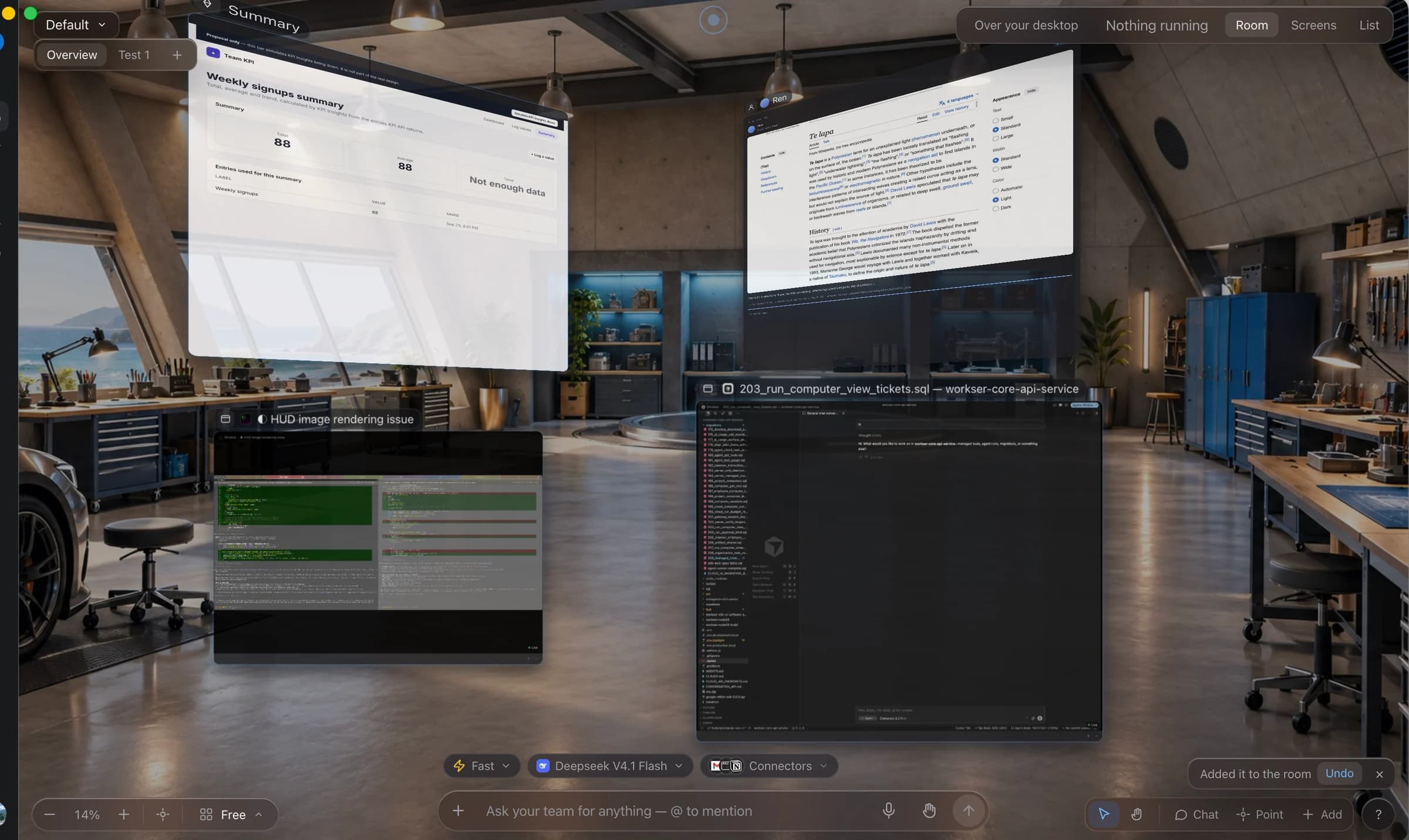
Four ways your AI gets to work.
The right computer.
For every kind of work.
On your screen, in the background, or on its own computer.
See all the work in one place.
Scroll to explore, or choose a place.
Your apps. An extra pair of hands.
Let an AI agent click and type in the apps you already use. Watch the work happen on your screen, using the accounts you’re signed into.
Horizon
Keep working. Stay in the loop.
A small bar at the top of your screen keeps your workmates close. Check progress, give directions, and answer questions without switching apps.
See which AI agent is working and how far along it is.
Ask
Click or pull down the bar to ask for help. Open it further to see all your tasks.
Show
Select something on your screen, then ask about it. Your AI gets the context without copying and pasting.
Check
See the result when it is ready. Open it with the space bar, or press Esc to get back to work.
Built into the top of your screen on Mac and Windows.
Voice and hands
Just say what you need.
Talk to it like a person.
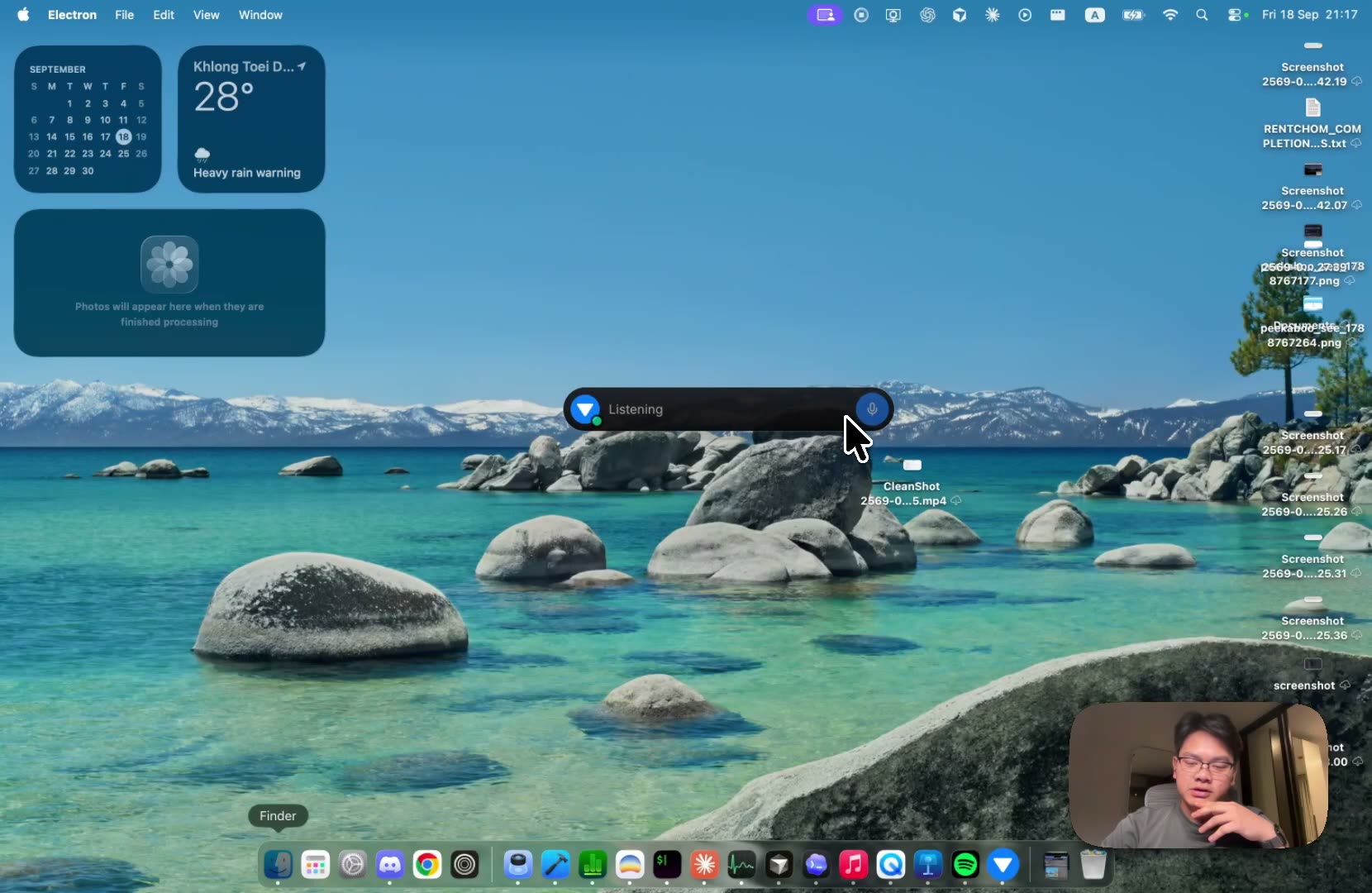
Say “this” or “that” to refer to what you’re pointing at. Workser follows along.
Reach in. Move it.
Point to a task, grab it with a gesture, and move it where you want.
See it for real.
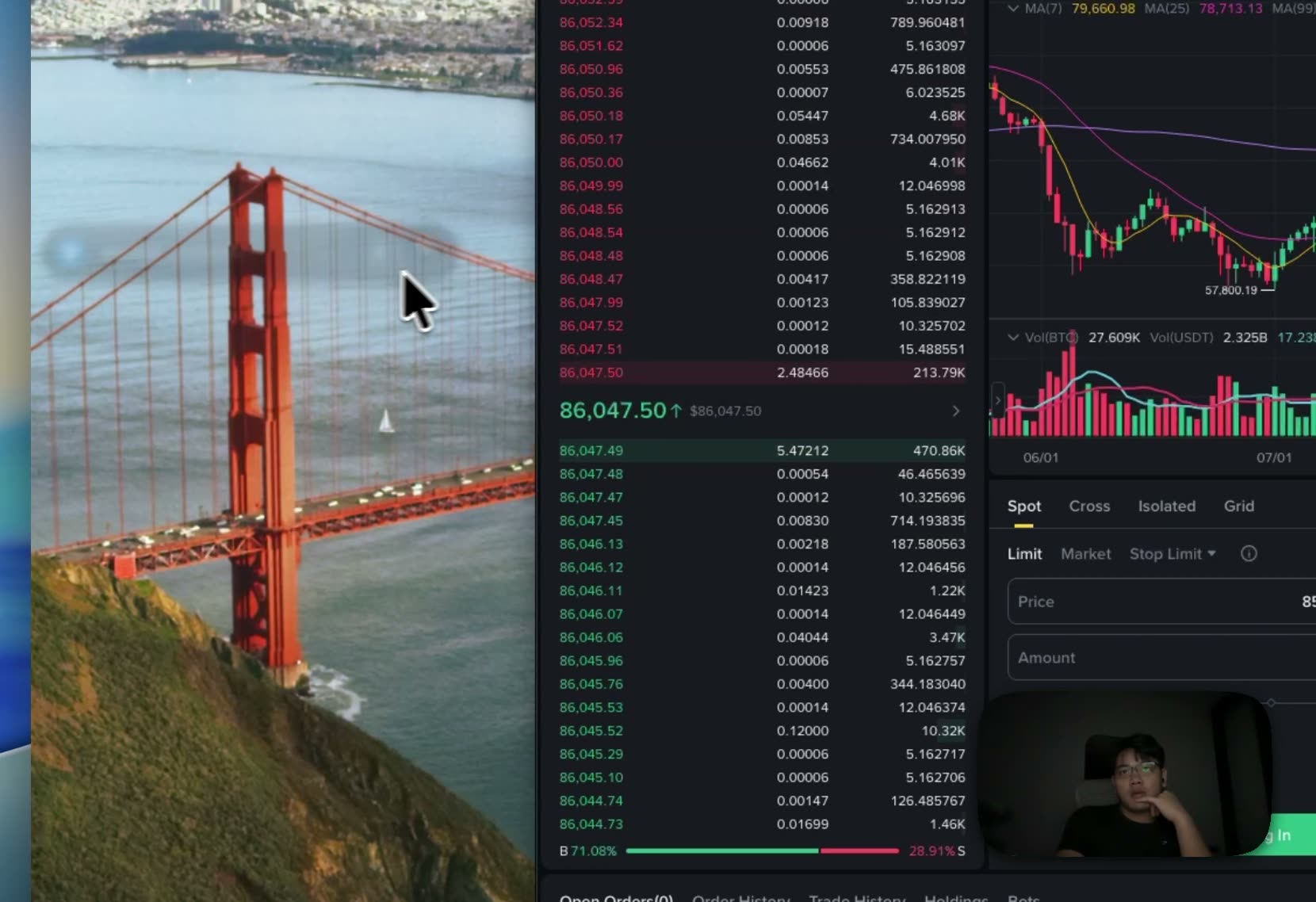
Filmed on a real Mac, start to finish. No effects.
Hands
Point. Pinch. Done.
Control your computer with your hand. Your mouse and keyboard still work, too.
- PointMove
- PinchClick
- GripDrag
- FlickSwitch apps
Hand tracking happens on your computer. Your camera video stays there.
Trust
You stay in control.
- Important actions like sending, paying, and deleting wait for your OK.
- You choose which apps and websites your AI can use.
- Your saved access keys stay securely stored on your computer.
- Your camera video stays on your computer.
It’s ready. Nothing goes out until you say so.
Workser Code, built in
Need a new tool?
Ask your AI to build it.
Describe the web app you need, or a change to one you already have.
Workser Code turns your request into a page you can try.
“Add a new card option
to my checkout.”
Start with what you want to change.
Pricing
Your workmates. Your way.
Bring your own AI key, or choose a plan with Workser credits.
BYOK
$0 /month
Bring your own AI key
Your AI provider bills usage separately.
Spark
$10 /month
700 credits / month
Top up when you need more.
Starter
$25 /month
1,500 credits / month
Top up when you need more.
Scale
$100 /month
6,500 credits / month
Top up when you need more.
Credits cover Workser AI usage. Cloud and provider usage may be billed separately.
Explore all plansQuestions
What is an AI Computer workmate?
An AI Computer workmate is an AI agent that can use apps and tools to complete a task. It can research, organize files, and prepare results. You can have several working at once in the same room.
What does Workser Computer do?
Workser gives you AI Computer workmates for everyday work. Ask one to research suppliers, another to organize files, or one to build a web app. See their tasks and results together in one shared workspace.
Can I join for Mac and Windows?
Yes. Join the waitlist for Mac or Windows, and we’ll email you when you can try it. Mac support includes both Apple silicon and Intel.
How is this different from Workser Code?
Workser Computer workmates use apps and websites to get things done. Workser Code builds and changes web apps. A workmate can use Code when a task calls for a new tool.
Does it click and type for me?
Yes. AI agents can click and type in your apps, just as you would. You can watch them work on your screen, or let them use a separate browser or cloud computer. Important actions like sending, paying, and deleting wait for your approval.
What will it cost?
BYOK is $0 a month when you bring your own AI key; your provider bills usage. Spark is $10 a month with 700 Workser credits, Starter is $25 with 1,500, and Scale is $100 with 6,500. Additional usage may cost extra.